


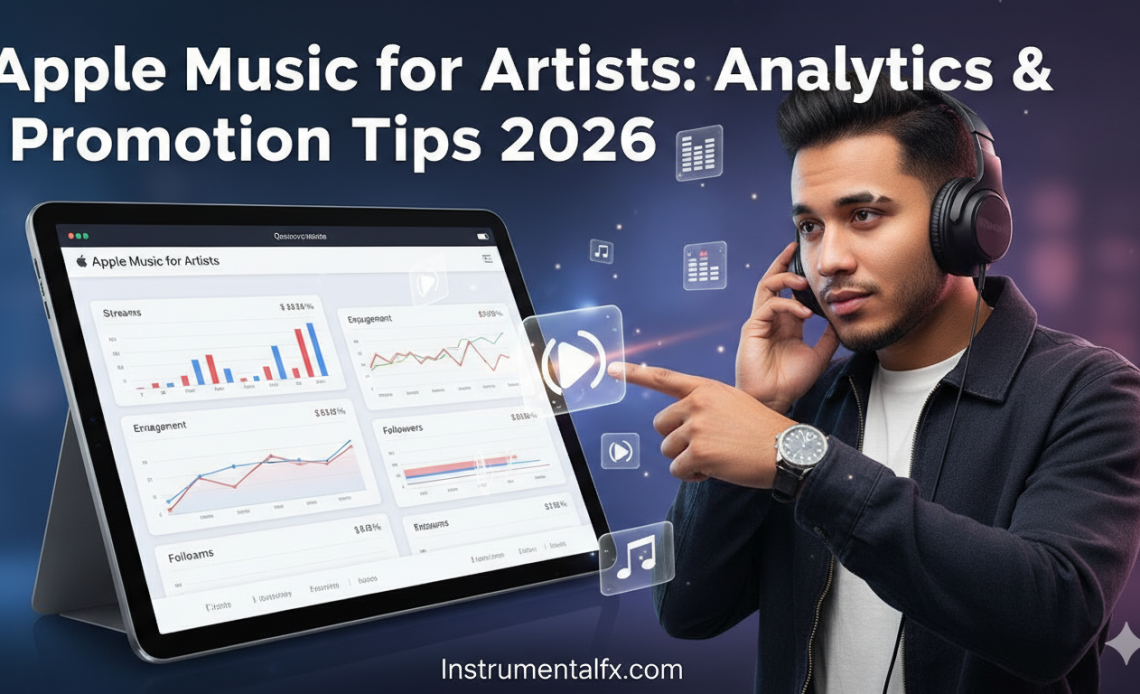
Apple Music for Artists is the ultimate platform for musicians looking to understand their audience, track performance metrics, and grow their streaming presence in 2026.
With over 88 million subscribers worldwide, Apple Music offers artists powerful analytics tools, real-time data insights, and promotional opportunities that can transform your music career.
Whether you’re an independent musician or signed to a label, mastering Apple Music for Artists gives you direct access to listener demographics, playlist placement opportunities, Shazam integration, and milestone celebrations that help you connect authentically with fans while making data-driven decisions about your releases and marketing strategies.
What Is Apple Music for Artists?
Apple Music for Artists is Apple’s official analytics and management platform. It empowers musicians with comprehensive insights into how their music performs across streaming services.
The platform launched in 2019 and has evolved significantly. Today it offers real-time data, promotional tools, and direct access to your streaming metrics.
Artists can track streams, monitor radio plays, and analyze listener behavior. The dashboard provides minute-by-minute updates on who’s listening and where they’re located globally.
Why Apple Music for Artists Matters in 2026
The streaming landscape has become increasingly competitive. Understanding your data separates successful artists from those who struggle to build audiences.
Apple Music for Artists provides transparency into performance metrics. You’ll know exactly which songs resonate, which cities love your music, and when listeners engage most.
Data-driven decisions lead to better marketing strategies. Artists using analytics report 40-60% higher engagement rates compared to those who don’t track their metrics.
How to Sign Up for Apple Music for Artists
Getting started requires your music to be live on Apple Music first. You’ll need to distribute through services like DistroKid, TuneCore, CD Baby, or RouteNote.
Visit artists.apple.com or download the mobile app. Sign in with your Apple ID or create one if you’re new to Apple’s ecosystem.
Request artist access by searching your artist name. You can also paste your iTunes Store artist link directly to verify your identity.
The Verification Process Explained
Apple reviews each application to confirm your identity. This typically takes 24-48 hours but can extend up to 5 business days.
Provide accurate information including social media accounts. Connecting your distributor account speeds up verification significantly and proves your relationship to the music.
Wait for email confirmation once approved. Your dashboard access activates immediately and you can start exploring analytics and customization options.
Setting Up Your Artist Profile
Your profile is your first impression on Apple Music. Upload high-resolution images that reflect your brand and aesthetic identity.
Write a compelling artist bio that tells your story. Keep it concise but authentic—fans connect with genuine narratives about your musical journey.
Add relevant information like hometown, pronouns, and influences. While some details remain private, they help Apple’s editorial team understand your artistic vision.
Understanding Your Analytics Dashboard
The dashboard provides comprehensive streaming insights. You’ll see total plays, listener counts, and geographic distribution of your audience.
Real-time data updates every few minutes. Track listener activity over the last 48 hours to understand peak engagement times and patterns.
Demographic breakdowns reveal listener age and gender. This information guides targeted marketing campaigns and helps identify your core fanbase.
Key Metrics to Track
Stream counts show overall performance across tracks. Monitor which songs gain traction and which need promotional support to reach more listeners.
Radio plays appear separately from streaming data. Track your presence on over 40,000 radio stations across 200+ countries and regions.
Shazam counts indicate discovery moments. High Shazam numbers suggest your music catches attention in public spaces, clubs, or through media exposure.
Analyzing Listener Demographics
Geographic data shows where fans are located. Identify strong markets for potential tour planning or localized promotional campaigns.
City-level insights reveal concentrated fanbases. Some artists discover unexpected popularity in specific regions they’d never considered targeting.
Demographic information helps refine your messaging. Knowing your audience’s age range and interests allows for more effective social media strategies.
Using Milestones to Celebrate Success
Apple Music for Artists highlights achievement moments. Milestones include playlist features, stream thresholds, and Shazam milestones worth celebrating.
Share milestones directly to social media. The platform generates shareable graphics automatically, making it easy to engage fans with your accomplishments.
Milestone celebrations build momentum. Fans love participating in your success and often increase engagement when they see you hitting targets.
Customizing Your Artist Image
High-resolution images are mandatory. Apple requires minimum dimensions of 3000×3000 pixels without text overlays, logos, or explicit content.
Update images to match release cycles. Fresh visuals keep your profile current and signal active engagement with your artist presence.
Consistency across platforms matters. Use similar imagery on Spotify, Instagram, and other channels to strengthen brand recognition.
Adding and Managing Lyrics
Submit lyrics directly through the platform. Copy pre-formatted lyrics and paste them into individual track sections for display.
Accurate lyrics improve accessibility. They help hearing-impaired listeners connect with your music and increase engagement rates significantly.
Lyrics display in real-time during playback. This feature enhances the listening experience and keeps fans engaged throughout entire tracks.
The Q&A Feature for Artist Insights
Answer questions about your creative process. The Q&A section lets you speak directly to fans in your own voice and personality.
Apple’s editorial team reviews responses. Published Q&As may appear on your public profile, giving insight into your artistic journey.
Share influences, collaborators, and inspirations. These personal touches humanize your profile and create deeper connections with listeners.
Connecting With Shazam Data
Shazam integration provides discovery analytics. See exactly how many times people have Shazamed your tracks in real-world environments.
High Shazam counts indicate mainstream potential. Songs frequently identified in public suggest crossover appeal beyond your existing fanbase.
Track which songs perform best on Shazam. This data reveals which tracks work well in clubs, retail spaces, or other public listening environments.
Promotional Tools and Marketing Assets
Create custom promotional graphics. Apple Music for Artists generates shareable assets in multiple languages to connect globally with diverse audiences.
Download assets for social media campaigns. Use platform-optimized graphics across Instagram, TikTok, Twitter, and Facebook for consistent branding.
Promotional materials include album art overlays. These professional-quality graphics enhance your marketing without requiring design skills or software.
Getting on Apple Music Playlists
Editorial playlists offer massive exposure potential. Curated by Apple’s team, these playlists can transform unknown artists into streaming successes.
Contact your distributor about pitching opportunities. Many distribution services have direct relationships with Apple’s editorial team for playlist consideration.
Build organic momentum before pitching. Apple’s curators notice songs already gaining traction through user engagement and algorithmic recommendations.
Understanding Algorithmic Playlists
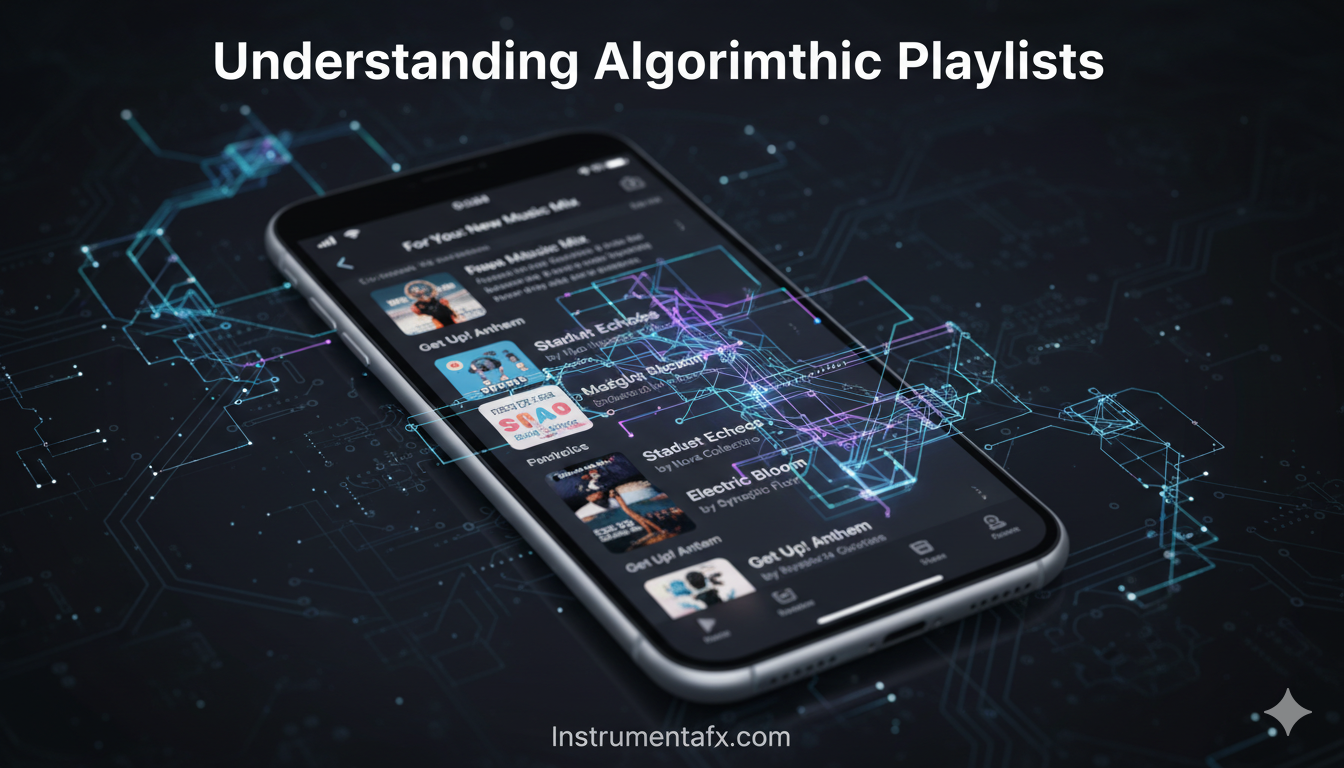
Personalized playlists use listener behavior data. Features like New Music Mix and Favorites Mix automatically surface your music to relevant listeners.
The algorithm prioritizes Library Adds and Favorites. When listeners save your songs or add you to favorites, it signals strong engagement.
Completion rates matter significantly. Tracks that listeners play all the way through receive algorithmic preference over songs frequently skipped.
Engaging User-Curated Playlists
Independent curators create influential playlists. Identify relevant curators on social media platforms and reach out professionally.
Personalize your playlist pitching efforts. Generic mass emails rarely work—explain why your song fits their specific playlist aesthetic.
Build relationships with playlist curators. Consistent releases and genuine engagement lead to repeat placements and stronger curator relationships.
Pre-Add Campaigns for New Releases
Pre-adds function like Spotify’s pre-saves. Fans can add upcoming releases to their library before the official release date.
Promote pre-add links across all channels. Email lists, social media, and website banners should drive fans to add unreleased music.
Pre-add momentum signals editorial interest. Strong pre-add numbers demonstrate fan anticipation and can influence playlist consideration decisions.
Release Strategy Best Practices
Timing matters for maximum impact. Release music on Fridays to align with Apple’s editorial calendar and playlist refresh cycles.
Submit music early to distributors. Aim for at least 3-4 weeks advance delivery to allow time for playlist pitching consideration.
Plan promotional campaigns around releases. Coordinate social media, email marketing, and paid advertising to coincide with your release date.
Leveraging Real-Time Listener Data
Monitor the last 48 hours constantly. Real-time data reveals exactly when listeners engage most actively with your music.
Identify peak listening times. Schedule social media posts and engagement during these windows to maximize reach and interaction.
Watch for unexpected spikes. Sudden increases often indicate playlist adds, viral moments, or influential shares worth capitalizing on quickly.
Team Management and Access Roles
Add team members to your account. Managers, publicists, and analysts can receive specific access levels appropriate to their roles.
Three access types exist: Admin, Analyst, and Profile Editor. Each role has different permissions for viewing data and making profile changes.
Maintain security with controlled access. Only grant necessary permissions to team members and review access regularly for security.
Working With Distributors
Choose distributors strategically. RouteNote, DistroKid, TuneCore, and CD Baby offer different revenue splits and features worth comparing.
Link your distributor account during verification. This connection speeds approval and ensures proper attribution of your releases.
Some distributors offer playlist pitching. Services like RouteNote provide direct pitching to Apple Music’s editorial team as added value.
Maximizing Revenue Through Analytics
Apple pays $0.007-$0.01 per stream. Independent artists keeping 100% royalties earn approximately $7-10 per 1,000 streams.
Identify your highest-performing territories. Focus promotional efforts on regions where you already have strong listener engagement.
Track revenue trends over time. Analytics reveal which releases generate the most income and inform future creative decisions.
Understanding the Apple Music Algorithm
The algorithm values authentic engagement signals. Library adds, favorites, and completion rates matter more than raw play counts.
Diversity and fairness influence recommendations. Apple balances algorithmic accuracy with exposing listeners to varied artists and genres.
Privacy protection limits data granularity. All analytics are anonymized and aggregated to prevent identification of individual listeners.
Cold-Start Problem Solutions
New artists face discovery challenges. Apple’s onboarding process helps by asking users to select favorite genres and artists immediately.
Build momentum through social media. Drive existing fans to Apple Music to create initial engagement signals that trigger algorithmic recommendations.
Collaborate with established artists. Features and remixes with bigger names expose your music to larger, engaged audiences quickly.
Radio Play Integration
Track radio airplay separately. Your dashboard shows plays on 40,000+ stations globally, distinct from streaming metrics.
Radio exposure drives streaming discovery. Listeners who hear songs on radio often search Apple Music to add tracks to libraries.
Regional radio data informs touring decisions. Strong radio presence in specific markets suggests successful concert potential in those areas.
Managing Multiple Artists or Projects
Separate projects require separate claims. Each artist name needs individual verification even if you’re behind multiple projects.
Use different Apple IDs strategically. Manage distinct personas without confusion by keeping projects organizationally separate.
Team access simplifies multi-project management. Grant team members access across projects to centralize oversight and analytics review.
Troubleshooting Common Issues
Verification delays happen occasionally. Wait at least 5 business days before contacting support about pending applications.
“Can’t Add Artist” errors often occur. Use your song link instead of artist link when claiming your profile to bypass this issue.
Missing data requires patience. New releases take 24-48 hours to appear in analytics after going live on the platform.
Privacy and Data Protection
Apple prioritizes user privacy strictly. All listener data is anonymized and aggregated to prevent individual user identification.
Minimum thresholds protect anonymity. Data only displays when enough listeners exist to prevent reverse-engineering individual identities.
No personal listener information shared. You’ll never see names, emails, or specific device information about your audience.
Comparing Apple Music to Spotify
Spotify offers more direct playlist pitching. Apple relies more heavily on distributors for editorial playlist access.
Apple Music pays higher per-stream rates. Average payouts exceed Spotify’s, making it financially advantageous for artists.
Spotify for Artists has more features. However, Apple Music for Artists continues adding functionality and closing the feature gap steadily.
Mobile App vs Web Dashboard
The mobile app offers convenience. Check stats on-the-go and share milestones directly from your phone anywhere.
Web dashboard provides deeper analysis. Larger screens make complex data visualization easier to interpret and understand thoroughly.
Both platforms sync seamlessly. Changes made on mobile appear on web instantly and vice versa for consistent experience.
Playlist Placement Impact on Streams
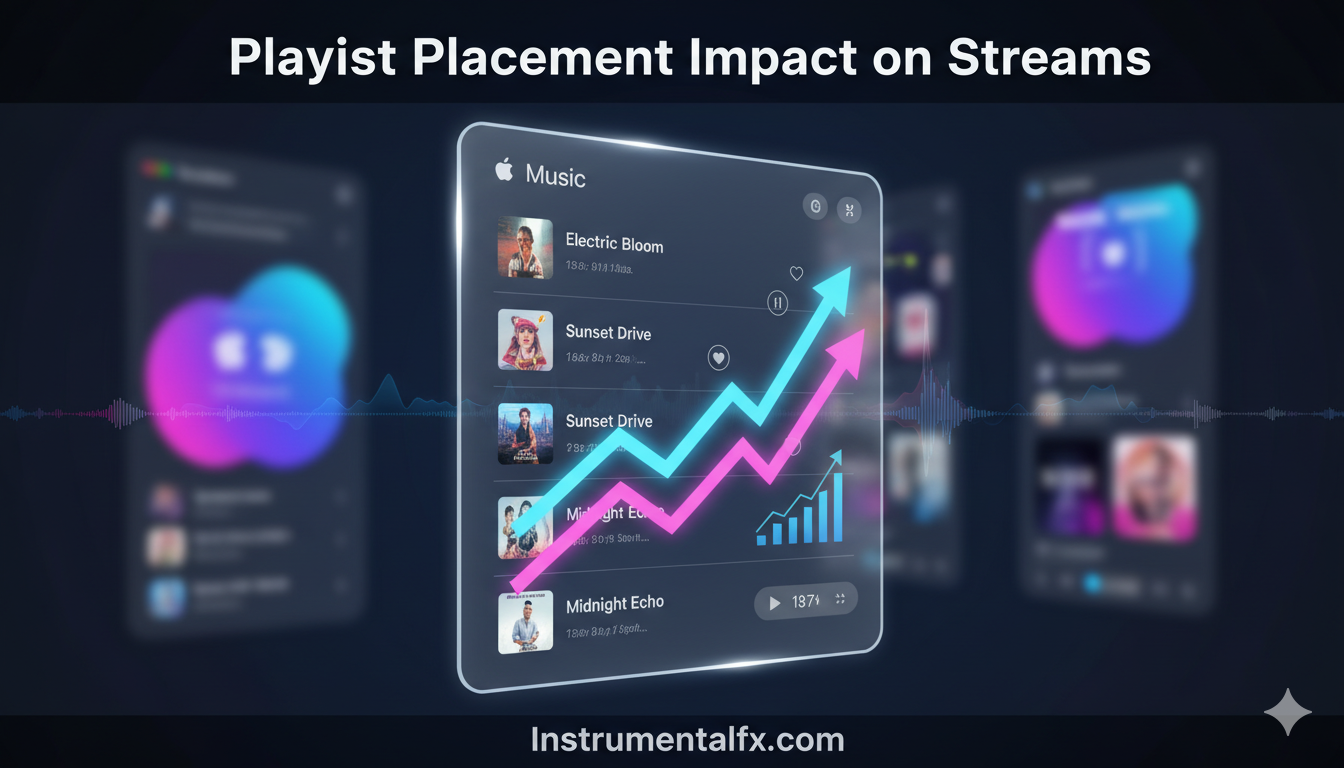
Editorial playlists can be career-changing. A single major playlist feature can generate hundreds of thousands of streams overnight.
Algorithmic playlists provide sustained growth. While less dramatic, algorithmic recommendations create consistent, long-term audience building.
User playlists offer niche targeting. Smaller curator playlists often have highly engaged audiences within specific genres or moods.
Social Media Integration Strategies
Share Apple Music links everywhere. Make it frictionless for fans on Instagram, TikTok, and Twitter to access your music.
Create content around analytics. Fans love seeing behind-the-scenes data about your growth and geographic reach.
Use Apple Music badges professionally. Official linking badges maintain brand consistency and signal legitimacy to potential listeners.
Email Marketing for Music Promotion
Build an email list independently. Social media algorithms change, but email provides direct access to your most dedicated fans.
Include Apple Music links prominently. Every email should feature clear calls-to-action for streaming, adding to library, or following.
Share exclusive analytics insights. Give email subscribers special glimpses into your performance data to reward their loyalty.
Paid Advertising Considerations
Target lookalike audiences. Use Apple Music data to identify demographics for Facebook and Instagram advertising campaigns.
Promote pre-add campaigns. Paid ads driving pre-adds create momentum before release and signal demand to editorial teams.
Retarget engaged listeners. Focus advertising spend on people who’ve already shown interest in similar artists or genres.
Content Creation Around Your Music
Create visualizers and lyric videos. Visual content extends song lifespan on YouTube while driving Apple Music streams.
Behind-the-scenes content builds connection. Studio sessions and creative process videos humanize your work and deepen fan relationships.
Cover art matters significantly. Eye-catching artwork increases click-through rates when songs appear in browse sections or playlists.
Metadata Optimization Best Practices
Accurate metadata improves discoverability. Ensure artist names, song titles, and album names are spelled consistently across platforms.
Genre selection influences recommendations. Choose the most accurate primary genre while considering secondary genres strategically.
Version information should be clear. Distinguish between original versions, remixes, acoustic versions, and live recordings properly.
Building Long-Term Streaming Strategy
Consistency beats viral moments. Regular releases every 6-8 weeks maintain algorithmic favor and keep audiences engaged.
Quality always surpasses quantity. One excellent song generates more value than ten mediocre tracks diluting your catalog.
Patience pays off in streaming. Building sustainable audiences takes months or years, not days or weeks.
Advanced Analytics Interpretation
Compare performance across releases. Identify patterns in what works and what doesn’t to refine your creative approach.
Track retention metrics carefully. Songs with high skip rates need reevaluation of arrangement, production, or positioning.
Monitor follower growth rates. Steady increases indicate healthy momentum while stagnation suggests need for promotional changes.
Collaboration and Featuring
Features expose you to new audiences. Collaborating with artists in adjacent genres introduces your music to their fanbases.
Credit collaborators properly. Accurate featuring credits ensure all artists receive appropriate analytics and visibility.
Cross-promote collaborations heavily. Both artists should promote releases to maximize combined audience reach and engagement.
Live Performance Integration
Update tour dates in your profile. Apple Music for Artists allows event integration connecting live shows with streaming presence.
Promote shows through the platform. Fans can discover upcoming concerts directly while listening to your music.
Post-show streaming often spikes. Concert attendees frequently stream artists after live experiences, boosting your metrics.
Music Video Performance Tracking
Videos have separate analytics. Track video views, completion rates, and geographic performance independently from audio streams.
Video content drives audio streams. Strong music video performance often translates to increased audio streaming and library additions.
Submit videos through distributors. The same services handling audio distribution typically manage video delivery to Apple Music.
Seasonal and Trending Opportunities
Holiday music has unique dynamics. Seasonal releases require year-round promotion despite concentrated listening periods.
Trending sounds influence algorithms. Incorporating current production trends while maintaining authenticity can boost discovery.
Cultural moments create opportunities. Music addressing timely themes or movements can achieve unexpected viral momentum.
Global Expansion Strategies
Identify international strongholds. Focus marketing efforts on countries showing unexpected engagement with your music.
Consider localization opportunities. Translating promotional materials or creating region-specific content enhances international connection.
Streaming transcends geographic boundaries. Artists can build significant international fanbases without traditional touring or promotion expenses.
Mental Health and Metrics
Don’t obsess over numbers constantly. Checking analytics daily can become unhealthy and distract from creative work.
Celebrate small victories. Every new listener, milestone, or positive trend deserves acknowledgment and appreciation.
Focus on controllable factors. You can’t control algorithms but can control release quality, promotion consistency, and fan engagement.
Future of Apple Music for Artists
AI integration will expand. Machine learning will provide more sophisticated recommendations and predictive analytics for artists.
Enhanced creator tools are coming. Apple continues investing in features that empower artists with more control over presence.
Privacy will remain paramount. Despite feature additions, Apple maintains commitment to protecting listener privacy while providing artist insights.
Success Stories and Case Studies
Independent artists break through regularly. Apple Music’s algorithmic fairness allows unknowns to reach millions without major label support.
Genre-specific success varies. Electronic, hip-hop, and pop typically perform strongest, but all genres have success potential.
Persistence correlates with success. Artists who release consistently and engage with analytics outperform those who don’t.
Common Mistakes to Avoid
Never buy fake streams. Artificial inflation violates terms of service and damages algorithmic credibility permanently.
Don’t ignore data completely. While creativity matters most, data informs smarter decisions about promotion and release strategy.
Avoid inconsistent branding. Frequent name changes or aesthetic shifts confuse algorithms and prevent building cohesive audience identity.
Maximizing Your Investment
Time investment pays dividends. Spending 30 minutes weekly reviewing analytics yields better results than sporadic attention.
Invest in quality production. Professional-sounding releases perform significantly better than low-quality home recordings.
Marketing budget allocation matters. Balance paid promotion with organic growth strategies for sustainable audience development.
Integration With Other Platforms
Cross-platform presence strengthens overall reach. Strong Apple Music presence should complement Spotify, YouTube, and social media strategies.
Platform-specific content works best. Tailor promotional approaches to each platform’s unique culture and user expectations.
Universal links simplify fan experience. Services like Linkfire create single links routing to multiple streaming platforms simultaneously.
Artist Development Through Data
Analytics reveal artistic growth. Track how songwriting, production, and performance improve across releases objectively.
Audience feedback through metrics. Skip rates and completion percentages provide honest assessment of song quality and appeal.
Strategic pivots become clearer. Data helps identify when creative direction changes are needed versus staying the course.
Industry Trends for 2026
Singles dominate over albums. Most listeners consume music track-by-track through playlists rather than full albums.
Short-form content drives discovery. TikTok and Instagram Reels have become primary discovery tools for new music.
Direct artist-fan relationships matter most. Platforms that facilitate genuine connection outperform traditional industry gatekeepers increasingly.
Frequently Asked Questions (FAQs)
How long does Apple Music for Artists verification take?
Verification typically takes 24-48 hours but can extend up to 5 business days. Providing complete information including distributor connections and social media accounts speeds up the approval process significantly.
Can I manage multiple artists under one account?
No, each artist or project requires separate verification and account. You’ll need to claim each artist individually using the appropriate credentials and release information for proper management.
How accurate is Apple Music for Artists data?
The data is highly accurate but anonymized for privacy protection. All metrics are aggregated and rounded to prevent individual listener identification while providing reliable performance insights.
What’s the difference between streams and radio plays?
Streams are on-demand listens on Apple Music while radio plays track your music’s airplay across 40,000+ radio stations globally. Both metrics appear separately in your analytics dashboard.
Do I need music on Apple Music first?
Yes, you must have released music through an approved distributor like DistroKid, TuneCore, CD Baby, or RouteNote. Your music needs to be live for at least 5 days before claiming your artist profile.
How do I get on Apple Music playlists?
Contact your distributor about pitching to editorial playlists. Build organic momentum through social media promotion and encourage fans to add songs to their library, which signals algorithms for recommendation.
Can I see who specifically listens to my music?
No, Apple prioritizes user privacy. You’ll see aggregated demographic data, geographic information, and listening patterns but never individual listener names or personal information.
How often should I check my analytics?
Weekly reviews provide sufficient insights without creating obsession. Check more frequently around new releases to monitor initial performance and adjust promotional strategies as needed.
What happens if I change distributors?
Changing distributors requires re-uploading music through the new service. Your play counts and playlist positions reset, and you may need to re-verify your artist profile with updated information.
Does Apple Music for Artists cost money?
No, Apple Music for Artists is completely free for all artists with music on the platform. Simply claim your profile after releasing music through any approved distributor.
Conclusion
Apple Music for Artists empowers musicians with unprecedented access to performance data, promotional tools, and audience insights that transform how artists build sustainable careers in 2026.
By mastering the analytics dashboard, optimizing your artist profile, leveraging playlist opportunities, and using real-time data to inform strategic decisions, you position yourself for long-term streaming success on one of the world’s largest music platforms.
Whether you’re tracking demographic trends, celebrating milestones, connecting with Shazam data, or preparing for your next release, Apple Music for Artists provides the essential infrastructure for modern music marketing.
Remember that success comes from consistent quality releases, authentic fan engagement, data-driven decision making, and patience as you build your presence.


