


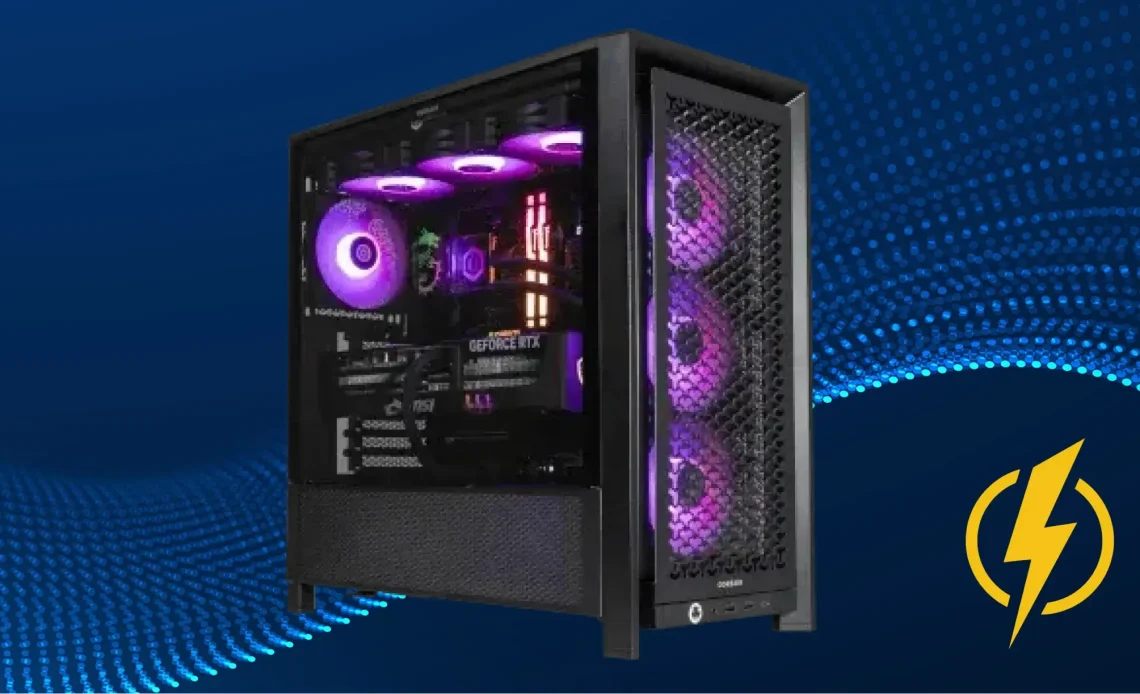
Power requirements for an AI workstation
As AI workstations process power-hungry tasks, they also require much more power, unlike gaming rigs, for example. Typically, standard power capacity for a circle of ML tasks is 1000W-1200W. If there are multiple GPUs and high-end components that require even more power, watch out for a power supply with capacity 1600W-2200W and above. GPUs are the first components that form the biggest power consumption for the whole AI system, as they handle the most demanding tasks. To get a reliable idea of what PSU you need for AI tasks, just use a power supply calculator and treat the result as your baseline.
GPU power consumption for AI workloads
If comparing standard system load on GPU and within an AI workstation, the second one requires more power and stability during the work. For modern high-end GPUs, the power consumption ranges from 300W to 700W on one card to lift all the tasks and provide a stable performance at the same time. Take these figures as a basis, or use the PSU calculator to get a closer index that your AI system and GPUs need. In training and inference, GPUs are running at nearly constant maximum load with brief spikes over rated power consumption, which impacts how powerful and stable the power supply should be.
CPU power consumption and its role in overall system load
When it comes to AI setups, the CPU typically sits in the 120–350W range and focuses on keeping everything running smoothly. This component is responsible for prepping data, managing GPU workloads, and taking care of input/output operations. The GPU is still the biggest power consumer by far, but the CPU contributes a steady, predictable portion to the total power draw. Keep this in mind and sum up your PSU power needs in the right way, or with a PC wattage calculator.
Considering multiple GPUs and parallel processing
One GPU requires much power for smooth machine learning operation, but multiple GPUs need even more. Under an AI workload, total power consumption scales almost linearly, since all cards operate in parallel under a high and stable load. That’s why an AI system with multiple GPUs eats around 1200W-2200W of power and accordingly requires a powerful PSU that provides them with this consumption and steady powering. So, if you plan to use two or more GPUs, remember that the system will need a more powerful PSU to handle all the AI workload.
Memory, storage, and peripheral power consumption
In an AI rig, components like RAM (DDR5 or HBM on the GPU), NVMe drives, and peripherals barely sip power, usually around 50W–150W total. Basically, it’s nothing compared to the GPU and CPU, which eat up most of the power. At Seasonic, we point out that you should factor in this extra bit when sizing your PSU, but honestly, it doesn’t change the fact that you still need a big, stable power supply to handle AI workloads. Take greater attention to the most power-hungry components, but remember that there is a little extra for peripherals as well.
Peak load vs. continuous load: How to choose the right power supply
Peak load is basically the short-term spike in power, for a few seconds or milliseconds. Continuous load is the steady average power draw when the system’s grinding away for hours, like during long AI model training sessions.
When picking a PSU for an AI rig, the key thing is to size for that continuous load, not just the peaks. GPUs in AI workloads are basically maxed out most of the time, so your PSU needs to handle it nonstop. Seasonic experts suggest leaving 20–30% headroom above your peak draw. This capacity keeps the power stable, ripple low, and your PSU stays productive even if it’s running 24/7.
Efficiency and its impact on power supply selection
A PSU’s efficiency basically tells you how much of the electricity it draws actually powers your components, and how much just goes up in heat. For AI rigs, those losses can easily hit hundreds of watts under heavy load. To avoid this, Seasonic recommends choosing PSUs marked with 80 PLUS® Platinum or Titanium. They push up to 94% efficiency, cut heat, take pressure off your cooling, and keep your GPU and CPU running steady even under 24/7 AI crunching.
Conclusion
Working with AI workstations, their components can pull 2x or more power, unlike standard office builds or gameplays. That’s why you need to watch for a power supply with the maximum capacity to handle this demand and provide stable performance to the whole system. From this depend the results the AI workstation produces and its core components' safety. To know how much power you need – use the PSU calculator for PC to guided with an exact figure.

