


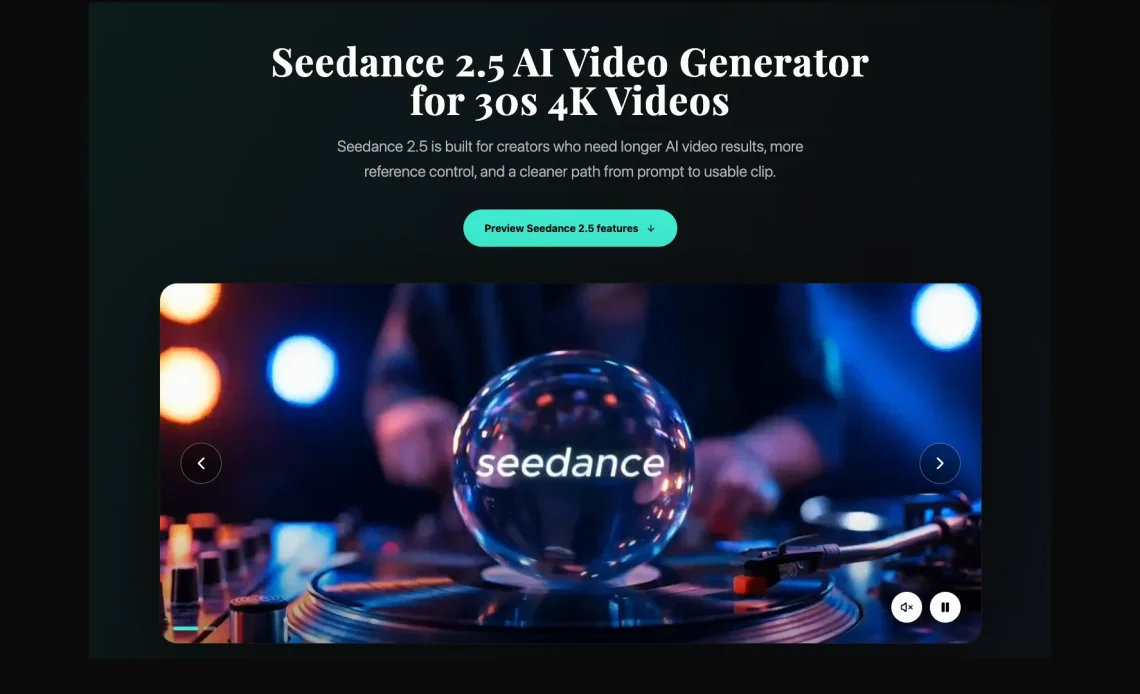
AI video is entering a more practical stage. Before Seedance 2.5 becomes widely available, creators can already think about the real tests that will matter: longer clips, better references, scene control and smoother revision.
AI video has had no shortage of impressive demos. A short clip can look polished, cinematic and almost impossible to ignore on a feed. The harder question is what happens after the first reaction. Can the clip support a real content idea? Can it keep a product, character or camera move stable long enough to be useful? Can a creator revise the result without starting over every time?
Those questions explain why Seedance 2.5 is attracting attention before wider access. It is being watched less as a novelty generator and more as a possible step toward everyday video production. For creators, marketers and small teams, the most useful conversation is not hype. It is preparation.
Why Longer AI Video Matters
Very short AI clips are useful for testing a style, but they rarely tell a complete story. A product reveal, music visual, learning clip or social ad often needs a beginning, a moment of movement and a clear ending. When a scene has to be stitched together from several separate generations, continuity becomes the problem.
Longer generation gives creators more room to build a complete thought. A camera can move through a room. A character can walk through a scene. A product can be introduced, shown in use and brought back to the final frame. That extra space can make the difference between a fun experiment and a draft that a team can actually discuss.
The Seedance 2.5 preview highlights longer single-clip output, which is why creators are paying attention. The practical value is not simply duration. It is whether that duration helps the video feel planned instead of patched together.
Reference Control Will Be One of the First Things to Test
Prompts are useful, but they are not always precise enough. If a creator is working with a product photo, a character image, a brand color, a camera reference or a piece of audio, the model needs to understand those materials together. Otherwise the video may look good while still missing the point.
This is where reference-based workflows matter. A creator may want to upload images, short video clips or audio cues to guide the result. The goal is not to overload the tool with random material. The goal is to give it the right anchors: what the subject looks like, how the motion should feel, what mood the scene needs and where the sound should support the action.
A useful test for Seedance 2.5 reference control would be simple: use the same product or character across several prompts and see whether the visual identity remains recognizable. If the model can hold those details while changing the scene or camera direction, it becomes more valuable for real projects.
Scene Direction Is More Important Than Big Prompts
Many early AI video prompts tried to describe everything at once: style, lighting, camera, mood, subject, action and final output. That can work for a quick test, but it often turns into a long paragraph that still leaves too much to chance.
Better video direction is usually more structured. A creator might break the idea into beats: open on the product, move closer, shift the lighting, reveal the character, hold the final frame. This kind of planning is familiar to editors and filmmakers, but it is still new for many people using AI video tools.
If Seedance 2.5 supports more controllable scene direction, creators should test whether it can follow simple timing instructions. A clip does not need to be perfect to be useful. It needs to follow the intended structure closely enough that the creator can decide what to adjust next.
Editing After Generation Could Save Time
One of the most frustrating parts of AI video is losing a strong result because one small detail is wrong. The camera move works, but the outfit changes. The product looks good, but the background has a distracting object. The scene has the right energy, but one section needs a small fix.
That is why controllable editing after generation matters. If creators can preserve the strongest parts of a clip and refine local details, AI video becomes easier to use inside a real workflow. It also reduces the feeling that every generation is a gamble.
This is especially important for teams. A solo creator may accept a small flaw in a test clip. A brand, school, agency or media team usually needs more control. They need to review, revise and approve the work without rebuilding the whole scene from scratch.
How Creators Can Prepare Before Wider Access
The best way to prepare is to bring real materials. Random prompts can produce interesting clips, but they do not answer whether a tool fits a creator’s workflow. A better test kit includes a product image, a simple scene brief, a visual reference, a short script and one clear publishing format.
Creators should also decide what they want to learn. Is the test about motion quality? Character consistency? Image-to-video control? A social video draft? A product campaign? Without a goal, every result becomes hard to judge.
A simple evaluation plan might include:
- One product or character consistency test.
- One image-to-video scene with a clear beginning and ending.
- One camera movement test with timing instructions.
- One edit-focused test where a strong result needs a small change.
- One vertical social clip to check framing and pacing.

Because Seedance 2.5 is still being discussed in a pre-availability context, creators should avoid treating every expected capability as settled. The better approach is to watch the areas that matter most: how long clips hold together, how reference materials are interpreted, how scene instructions are followed and how much editing control is available after generation.
This keeps the conversation grounded. Instead of asking whether one model is the best, creators can ask whether it solves a specific problem in their own production rhythm.
Final Thoughts
AI video is becoming more useful when it helps creators move from idea to draft without losing control. Seedance 2.5 is drawing attention because it points toward that direction: longer clips, richer references, more structured scene control and a cleaner path to revision.
For creators preparing ahead of wider availability, the smartest step is not to wait passively. It is to organize real assets, write clearer briefs and decide what a good result would look like. That way, when access expands, the first tests can be more than a demo. They can be the start of a workable creative process.

