


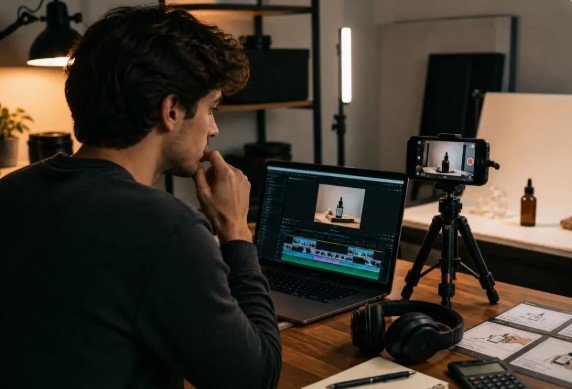
Music and audio stories often need a visual teaser before the full article, track note, or release feature is published. A short AI video draft can help editors test rhythm, mood, and scene order, but it should not replace licensed music assets, verified credits, or final editing.
A track preview, producer interview, album note, gear article, or playlist feature may all need motion. The challenge is that music content is easy to overproduce. A dramatic clip can make a simple release note feel like an advertisement. A fast edit can hide the point of the story. A generated scene can also create rights problems if it leans on unapproved artwork, performer likenesses, or copyrighted visual material.
That makes the brief important. A draft-first workflow can help editors decide what the visual teaser should do before they build the final asset. The draft can test pacing and mood. The article, source notes, and licensed media should still carry the facts.
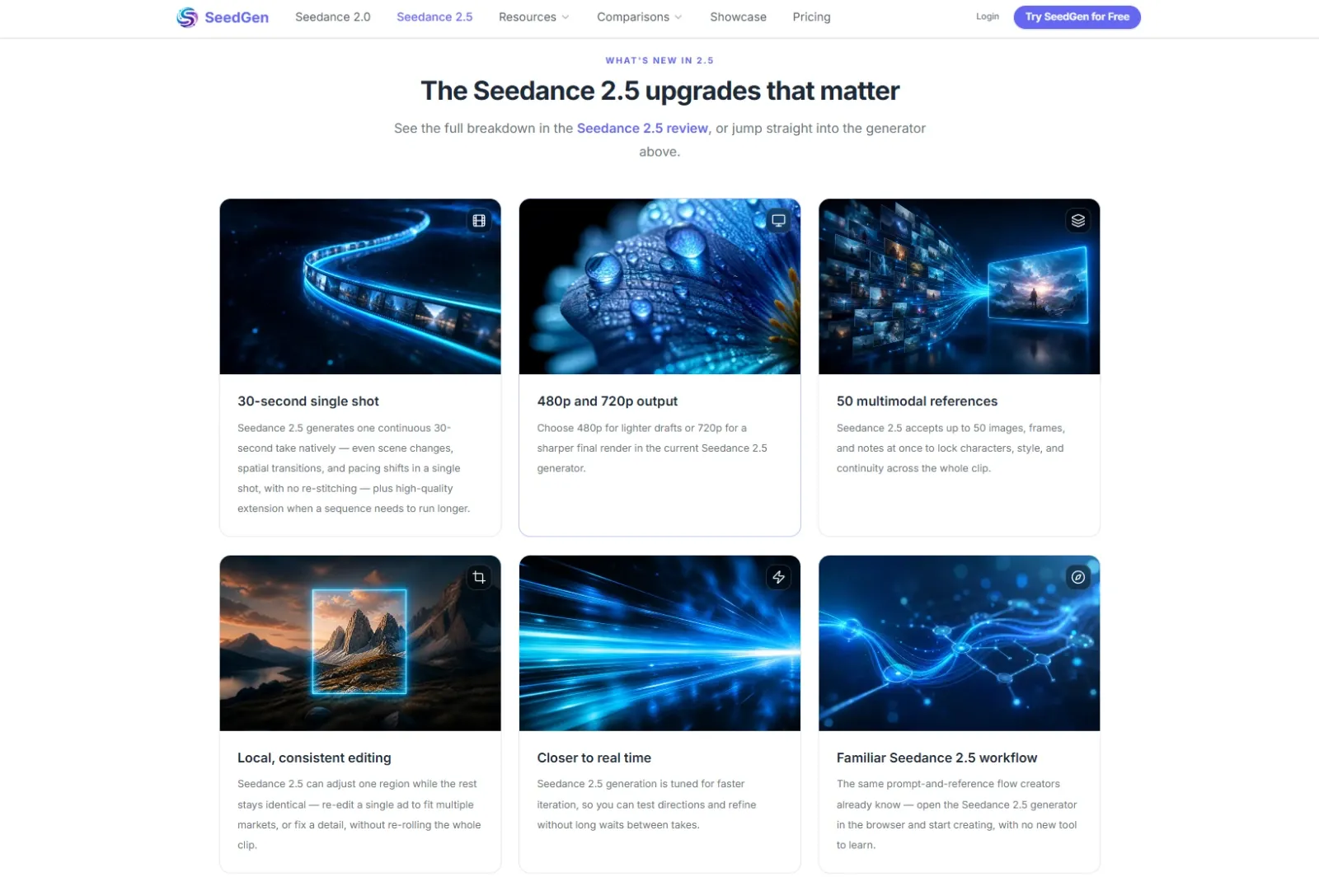
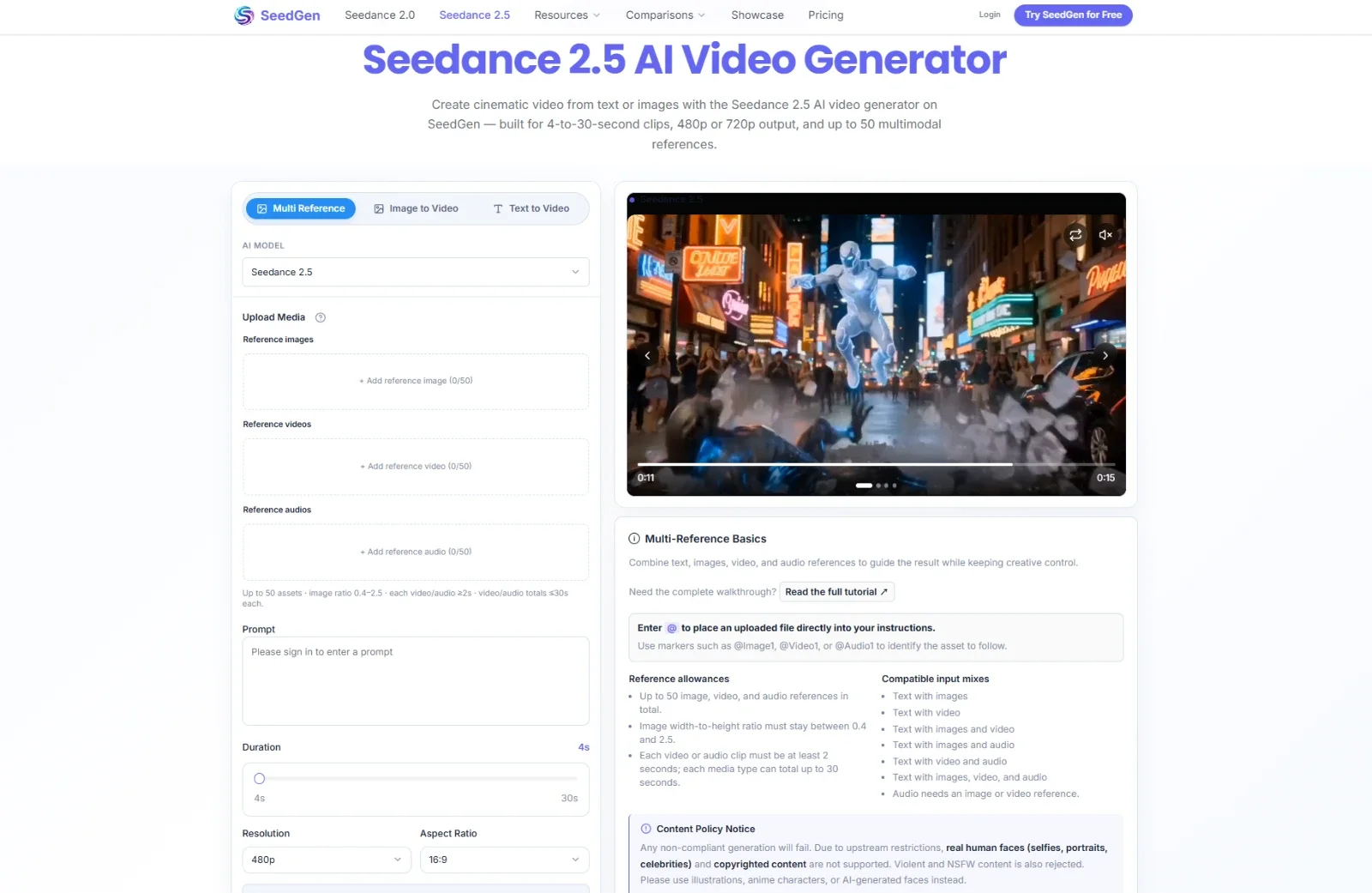
Used carefully, Seedance 2.5 can support that planning stage by turning approved references and prompt notes into a short reviewable video concept. The goal is not to create a final music video. It is to help the team see whether the timing and visual direction make sense before production.
Start With the Moment the Teaser Must Support
A visual teaser should not try to summarize an entire song, interview, or article. It should support one moment. That may be the first beat of a release announcement, a transition into a chorus, a quote from a producer, a visual cue for a gear review, or a mood-setting intro for a playlist story.
The brief should ask a practical question. What should the viewer understand in the first few seconds? Does the teaser need to feel calm, energetic, nostalgic, technical, or editorial? Should the motion follow a steady rhythm, a single transition, or a slower atmospheric build?
That decision should come from the article and the approved audio plan. A generated draft can help test the visual pacing, but it should not invent the meaning of the song, the artist’s intent, or the release story.
Build a Timing Map Before Prompting
Music-related video drafts work better when the team writes a small timing map first. The map does not need to be complicated. It can mark the opening frame, the main motion cue, the caption moment, and the final frame.
A practical prompt might say: “Create a short visual draft for a music article teaser. Use an abstract studio-inspired scene, a slow camera move, and space for captions. Keep the visuals non-identifiable and do not generate readable artist credits, track titles, or label logos inside the footage.”
This keeps the draft focused on rhythm and structure. Exact track names, artist credits, release dates, label names, lyrics, and promotional claims should come from the edited article, licensed assets, or approved campaign copy.
Use References Without Creating Rights Issues
Reference materials can help a teaser feel connected to the story. A team might use original abstract visuals, a brand color card, a cleared cover-art direction, a non-identifiable studio setup, a waveform-style diagram, or a written scene outline.
Editors should avoid uploading unlicensed album art, music-video stills, artist portraits, concert photos, fan images, third-party logos, private session notes, unreleased cover designs, or screenshots that include customer or platform data unless those assets are cleared for the selected use.
If a draft involves performers, models, or recognizable people, teams should confirm consent, likeness rights, release forms, and the platform’s current rules before upload. If those checks are not complete, an abstract or product-only visual approach is easier to review.
Keep Credits, Titles, and Claims in Editing
Music publishing depends on exact text. Artist names, track titles, label credits, release dates, platform availability, producer credits, gear names, and licensing notes should not be trusted inside generated footage.
The draft can reserve room for captions and test whether the timing feels natural. The final wording should come from the article, metadata sheet, press kit, rights holder, or approved editorial summary. If the teaser uses any music sample, artwork, or performer image, the team should confirm the permitted use before publication.
This is especially important when a visual teaser is shared on social platforms. A short clip can travel without the full article context, so captions and credits need to be clear, accurate, and separately editable.
Review the Draft for Tone and Rights
A music teaser draft should be reviewed with practical questions. Does it match the tone of the article? Does the timing support the audio plan? Does it avoid implying a performer endorsement that has not been approved? Are credits and titles left for final editing? Are all references cleared?
The team should also check whether the visuals are too generic. A draft can be safe but still unhelpful if it has no relationship to the story. The best planning draft usually carries a small, clear idea: atmosphere, rhythm, article topic, or visual contrast.
A practical AI video timing workflow can give editors, creators, and marketing teams a draft to review before they move into final video editing or campaign production.
Use the Draft to Improve the Final Asset
Sometimes the draft shows that the teaser needs a different structure. The opening may be too slow. The caption space may be crowded. The mood may not match the article. The visual reference may create rights questions that are not worth the risk.
That feedback is useful before a team spends time on a final edit. It can help editors choose a better still image, simplify the caption plan, adjust the social cut, or decide that the article needs a clearer source note.
Music and audio content still depends on licensed media, accurate credits, and human editorial judgment. AI video can make timing ideas easier to discuss, but the final rights and claims belong to the team. Used that way, Seedance 2.5 can help music editors plan clearer visual teasers without turning a draft into an unlicensed music video.

