


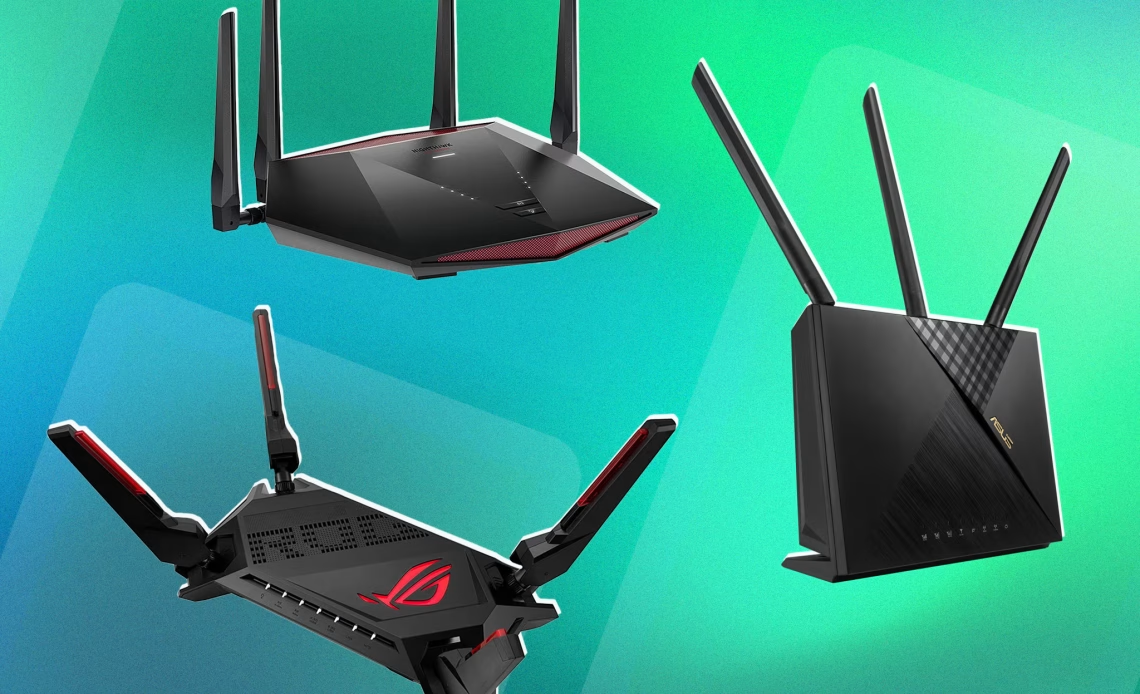
When it comes to buying a new router for yourself, there are a couple of Wi-Fi technologies you can choose between, depending on your usage and needs. Not only that, but your budget factors in here as well, since you need to set a budget aside to get the right router for yourself.
It’s important to choose a router with compatible Wi-Fi technology that allows you to make the most out of your internet service. For instance, if you take a look at Comcast WiFi plans, you’ll see that Xfinity offers Gigabit internet, which means that you’ll need a Wi-Fi 7 router to get the best speeds.
So, based on your needs, you can pick out the best speed for your household and pair it up with an efficient router to make the most out of your internet connection for seamless activities such as streaming, online work, online gaming, and a lot more.
Coming back to Wi-Fi technologies, I’ll mention some of the most popular Wi-Fi technologies and their salient features so that you have an easier time picking out a router for yourself.
Wi-Fi 6
This technology is best for most homes out there, since it offers fast internet speed and overall performance as compared to the older technologies.
If you compare Wi-Fi 6 to Wi-Fi 5, you’ll see a drastic difference in terms of performance. Not only that, but this technology works great in crowded environments as well if you have a larger house with a lot of people living in it.
A very common issue that people face is bandwidth management, especially in homes with a lot of people. If the bandwidth is hogged up, the internet performance is impacted greatly. However, Wi-Fi 6 offers better efficiency, so that people can manage their bandwidth better and have faster internet speeds.
Wi-Fi 6E
Next in line we have the Wi-Fi 6E technology, which is an iterative improvement over Wi-Fi 6.
The reason is that this was the first router technology that offered the 6 GHz band on top of the already existing 2.4 GHz and 5 GHz bands. The 2.4 GHz band was useful for relatively larger homes, as it gave more signal range while compromising on the internet speed, while it was the opposite for the 5 GHz band.
However, with the 6 GHz band, the router is able to give you a faster internet speed (even more than the 5 GHz band) and less interference as compared to both the 2.4 GHz and 5 GHz bands. This makes a Wi-Fi 6E router great for crowded homes if you wish to have a seamless experience.
A Mesh Wi-Fi System
This technology is a bit different than your conventional routers, since this is a web-like system of nodes that carry internet signals throughout your home, providing equal internet signals all over your home.
A mesh system works best for homes that have Wi-Fi dead zones (areas that don’t get any internet coverage) or even multi-story homes, so every level gets evenly distributed signals.
Like I mentioned earlier, mesh networks make use of multiple access points called ‘nodes’ all over your home. You can plug these nodes into any power sockets in your home, turning them into an internet access point. This way, you have access to a single and uninterrupted internet service, which eliminates all the dead zones in your home.
Wi-Fi 7
While Wi-Fi 7 is the latest in router technology, you must be mindful about whether you really need it or not, since it can turn into overkill if your internet plan isn’t fast enough.
Wi-Fi 7 works best for people who wish to stream content in 4K or 8K, and have heavy internet usage, such as online gaming or even running an online business.
Though it is the latest standard, it offers drastic improvement in internet speed and decreased latency via features such as Multi-Link Operation (MLO). This feature is an upgrade from a dual-band router, which allowed the router to run both 2.4 GHz and 5 GHz bands at the same time.
With MLO enabled, you can run 2.4 GHz, 5 GHz, and 6 GHz bands at the same time, allowing you to have the ultimate internet experience. While this sounds amazing, it can be a bit of overkill for an average home.
Other Points to Consider
There are a few other factors that you have to consider before you reach a decision. For instance, you need to keep your budget in mind since you can’t aimlessly go buy a router. If you want an all-rounder, then I recommend a Wi-Fi 6E router, and if you want the best one, then a Wi-Fi 7 router is the one you should get.
You’ll need to see how many devices you want to connect to your internet connection, so that you get a router that offers good bandwidth. Make sure to get a router with a lot of security features and multiple Ethernet ports for devices such as your gaming PCs and consoles.


