


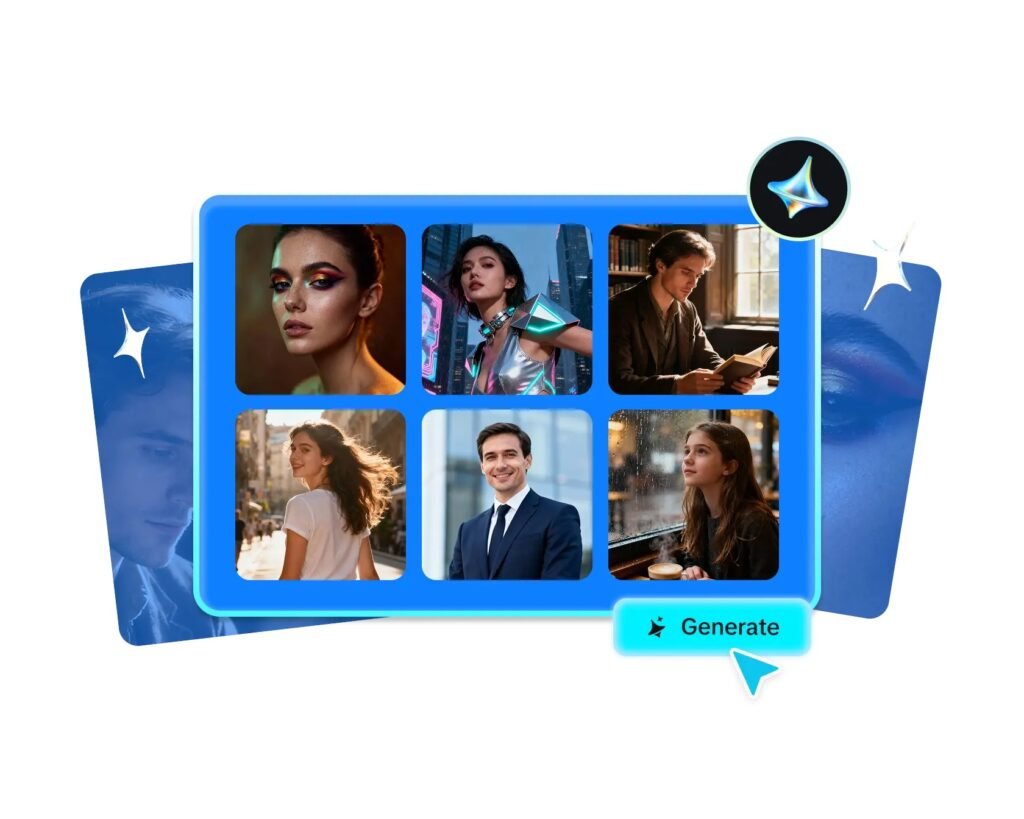
Some posts aren’t really about anything specific — no product, no announcement, no event. They’re just meant to feel like something: cozy, wistful, energetic, calm. Mood-first content has become a genuine category of its own on social media, and it’s uniquely well-suited to an AI image generator, since mood is exactly the kind of abstract, feeling-driven brief that’s hard to shoot literally but easy to describe in words.
Dreamina, powered by its most advanced image generation model, Seedream 5.0 Pro, has a real knack for translating an emotional target into something visual and specific. Rather than walking through generic tips, let’s actually build out a handful of moods and see how each one comes together.
Cozy: the mood that never stops performing
Cozy content consistently does well because it taps into a near-universal craving for comfort. The visual language is fairly consistent: warm, low-contrast lighting, soft textures like blankets or knit fabric, and a slightly cluttered, lived-in feel rather than anything sterile or minimal. Steam, candlelight, and rain against a window are all recurring visual shorthand for this exact feeling.
Energetic: movement, color, and motion blur
Where cozy slows everything down, energetic content needs to feel like it’s mid-motion. Bright, saturated color palettes, dynamic diagonal compositions, and a sense of movement, splashing water, flying confetti, someone caught mid-jump, all read as energetic almost instantly.
Static, centered compositions tend to undercut this mood even when the color palette is right, so movement really is doing a lot of the work here.
Melancholic: restraint over sadness
Melancholic mood content isn’t about looking sad, it’s about restraint. Muted, desaturated colors, empty or negative space, and a single small subject within a larger, quieter scene all communicate this feeling more effectively than an overtly emotional expression would.
A lone chair by a window says more than a crying figure ever could in this particular register.
Romantic: softness and warm proximity
Romantic mood images lean heavily on softness, soft focus, soft lighting, soft color transitions. Warm golden or blush tones, gentle physical closeness between subjects, and a slightly hazy or dreamy quality to the lighting all reinforce this feeling.
Sharp, high-contrast imagery almost always works against a romantic tone, even if the subject matter itself is appropriate.
Your 3-step mood capture with Dreamina
Once you’ve identified which mood you’re chasing, here’s exactly how to generate it.
Step 1: Write a text prompt and/or add a reference image
Navigate to Dreamina and write a detailed text prompt describing a person dressed appropriately for your scene, layering in the specific lighting, color, and atmospheric qualities tied to your target mood. If you have a reference image capturing a similar emotional tone, upload it to help guide the generation further.
For example: A steaming mug of herbal tea resting beside a rain-streaked window, a soft knit blanket draped over a nearby armchair, warm dim lamplight, quiet cozy evening atmosphere.
Naming the mood-specific qualities directly, warmth, softness, quietness- is what separates a generic photo from one that actually feels like something.

Step 2: Adjust parameters and generate
Before generating, set your parameters. Select Image 5.0 Pro, powered by Seedream 5.0 Pro, as your model, then choose your aspect ratio, image size, and resolution, matching your aspect ratio to the platform you’re posting to and using 2K resolution to keep subtle lighting and color gradients smooth rather than blotchy. Click Dreamina’s generate icon to produce your mood-driven image.

Once your image generates, check whether the mood actually reads clearly, then use Dreamina’s AI customization tools to adjust it — inpaint to soften or sharpen a specific detail, expand to reveal more atmospheric context, remove to eliminate anything that clashes with the intended feeling, and retouch to fine-tune overall color and lighting balance. When the mood feels genuinely present, click the Download icon to save it.

Why Seedream 5.0 Pro reads mood so well
Translating an abstract feeling into a coherent image depends on a model that interprets intent rather than surface keywords, and that’s a genuine strength of Seedream 5.0 Pro.
Its deep reasoning generation analyzes your prompt’s emotional and visual relationships before producing an image, which matters enormously when the brief is a feeling rather than a literal description.
The pinpoint precision editing tools, including point selection, lasso, sketch guidance, and regional controls, let you adjust a specific element that’s fighting against the intended mood without disturbing the rest of the scene.
And the 2K output quality preserves the subtle lighting gradients and soft color transitions that mood-driven imagery depends on so heavily.
Testing whether a mood actually lands
Before posting, it helps to step back and view the image at a glance, the way a scrolling viewer would, rather than studying it closely. Does the feeling register instantly, or does it take real thought to place? If a viewer can’t identify the mood within a second or two, it’s usually worth adjusting color or lighting language rather than adding more literal detail.

Building a mood library for recurring content
If mood-based posts are a regular part of your content strategy, it’s worth keeping a running list of prompt language that reliably captures each feeling in the past.
A small, tested library of mood-specific descriptors saves real time compared to reinventing the emotional tone from scratch every time you sit down to generate.
Wrapping up
A feeling is just as valid a creative brief as a literal subject, and translating it into something visual is exactly where the right AI image generator earns its value.
With Dreamina and its advanced Seedream 5.0 Pro model, an abstract mood- cozy, energetic, melancholic, romantic- becomes a genuinely specific, well-composed image rather than a vague guess.
Name the feeling clearly, lean into its visual shorthand, and let Dreamina render the mood exactly as you intended it.